Open a web browser and either:
Search for “Prodigy student login”, or
Go directly to this link: https://play.prodigygame.com
Click on “Sign in with Google”.
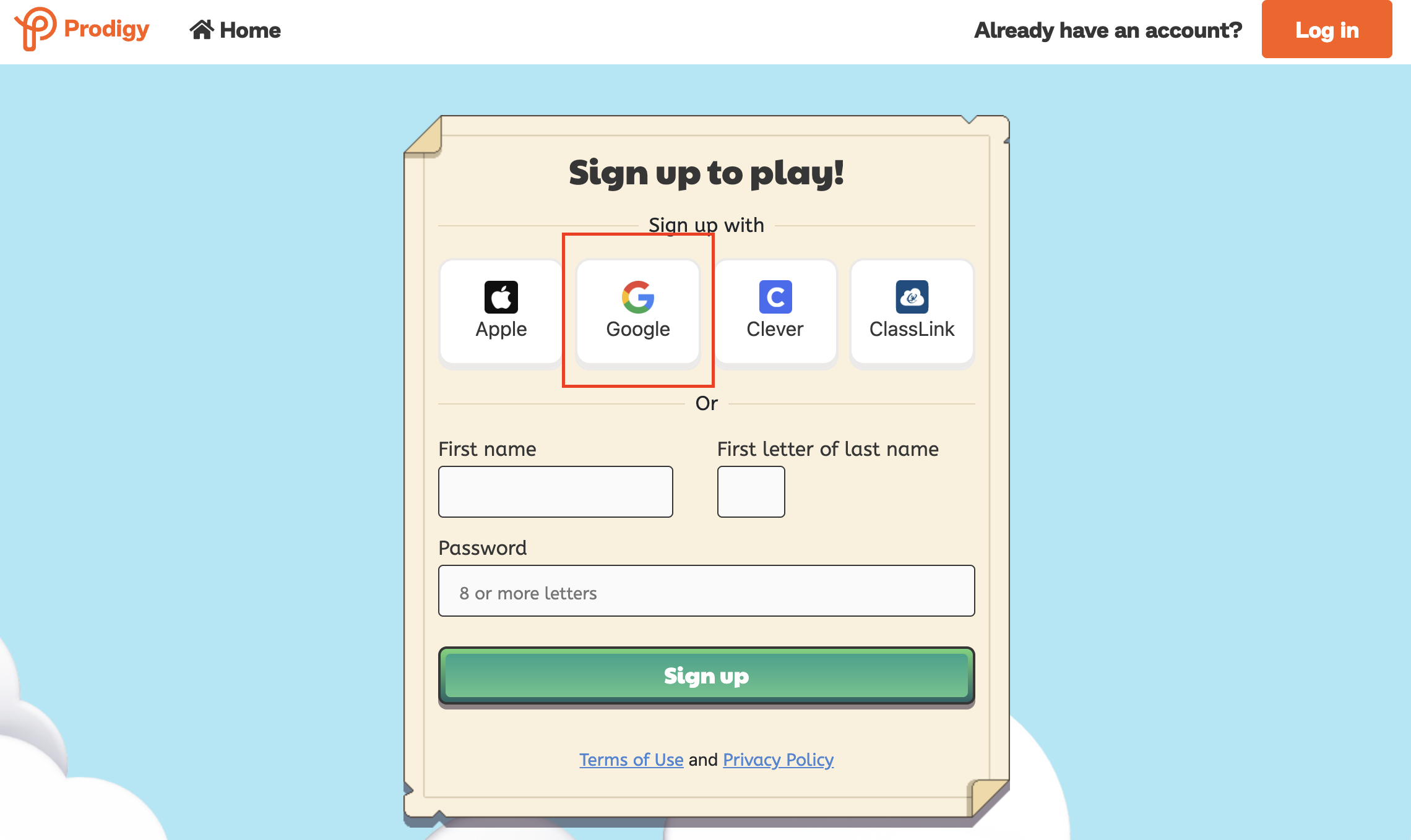
Sign in using your eduPass account details
(e.g., xyz@schools.vic.edu.au)
This is the same account you use to log in to Minecraft Education.
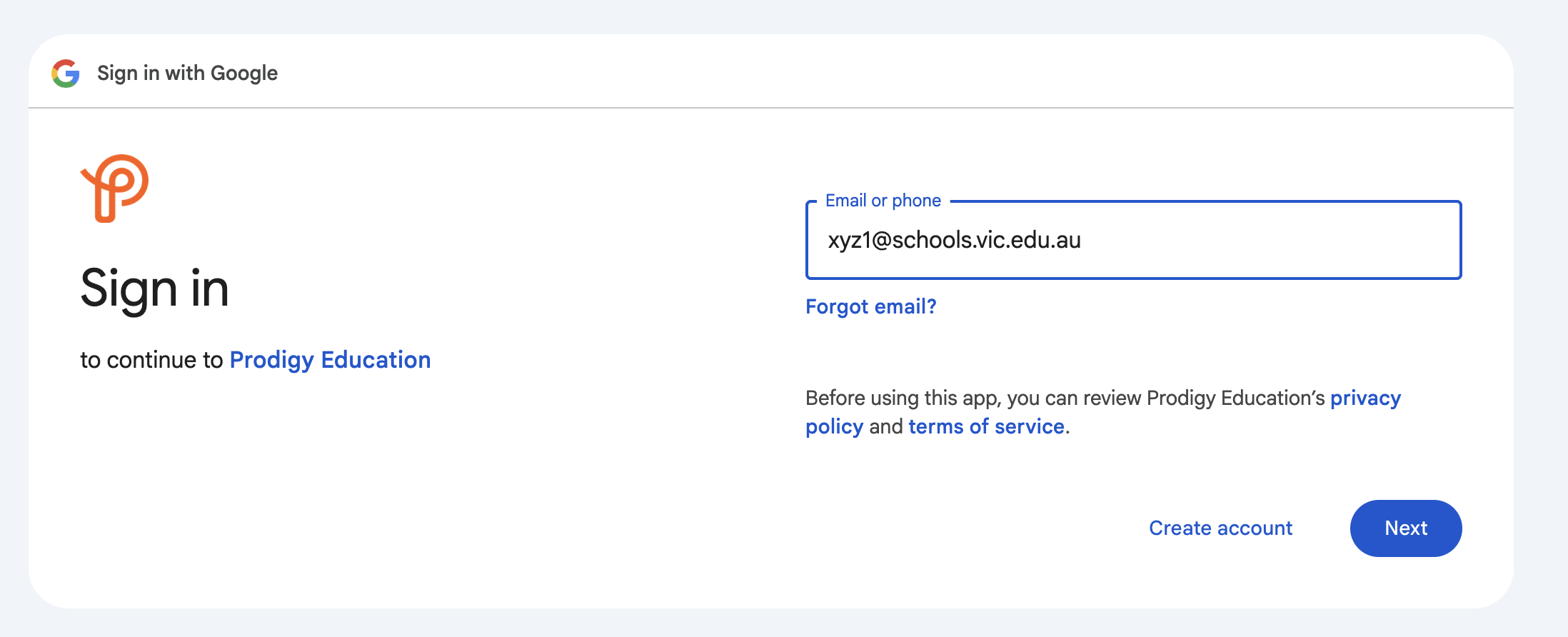
When you’re directed to the purple and blue Department of Education login page, enter your eduPass email and password, then click Sign in.
If this is your first time signing into your eduPass Google account, you’ll be prompted to accept Google’s Terms and Conditions.
Scroll down and click the “I understand” blue button.
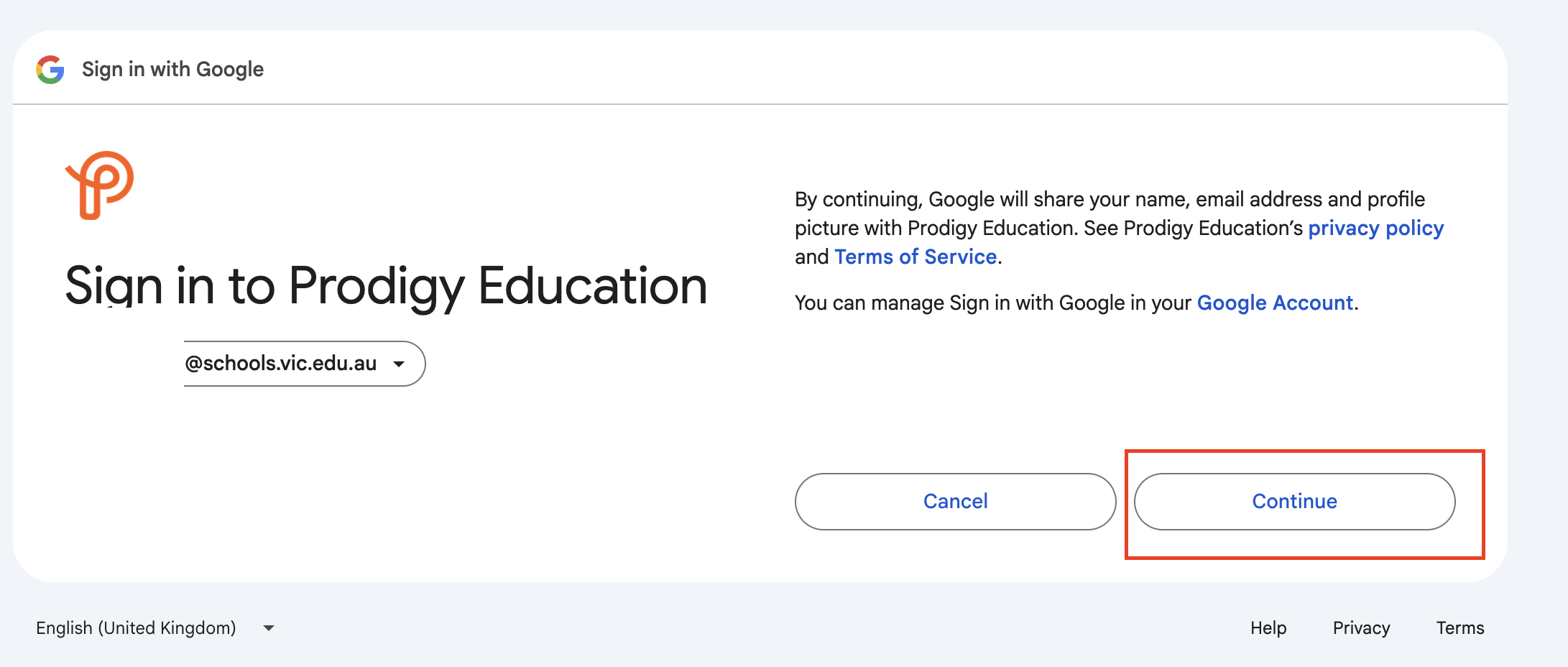
On the next page, click “Continue” to finish the login process.
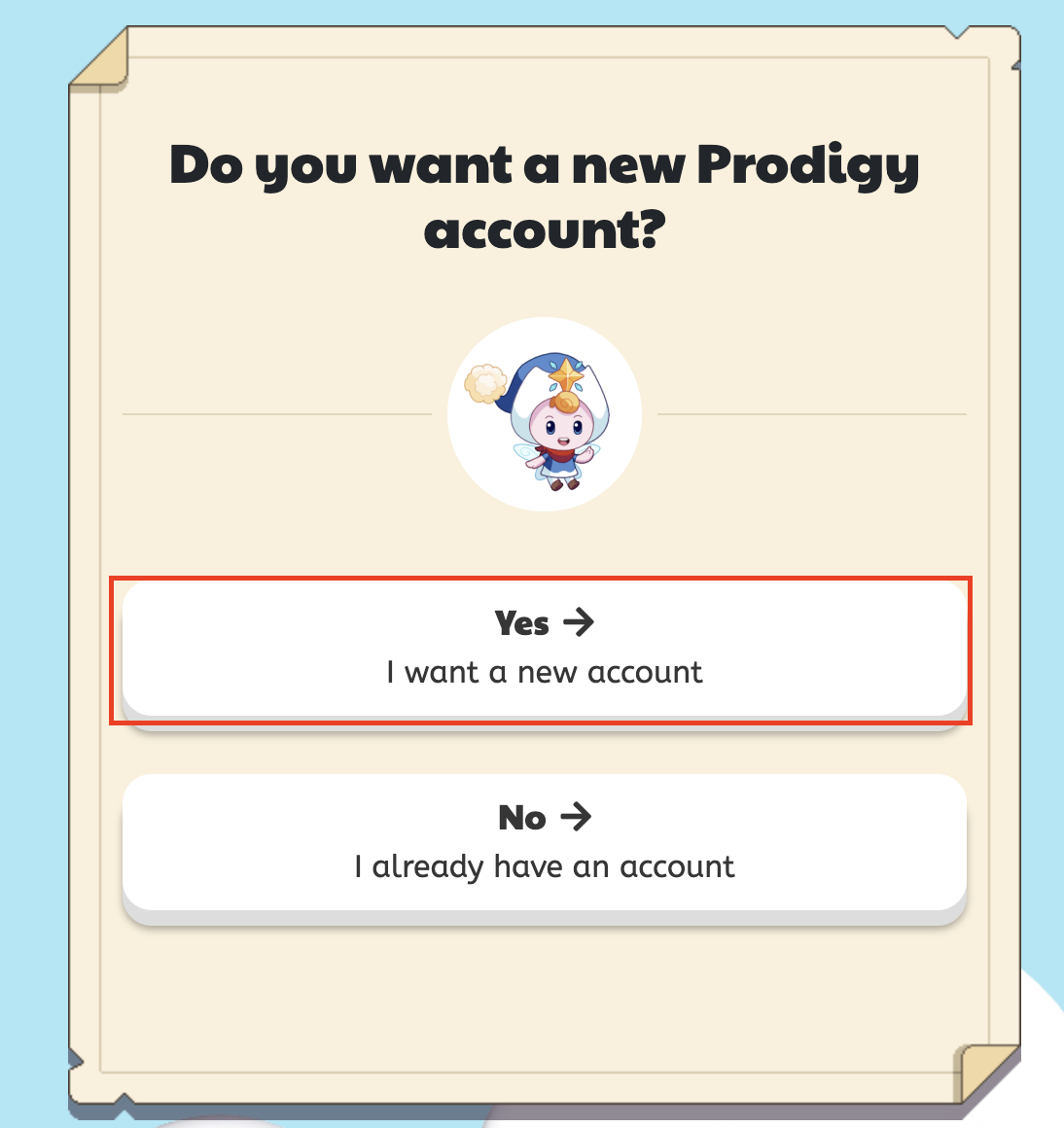
When prompted, click “Yes: I want a new account.”
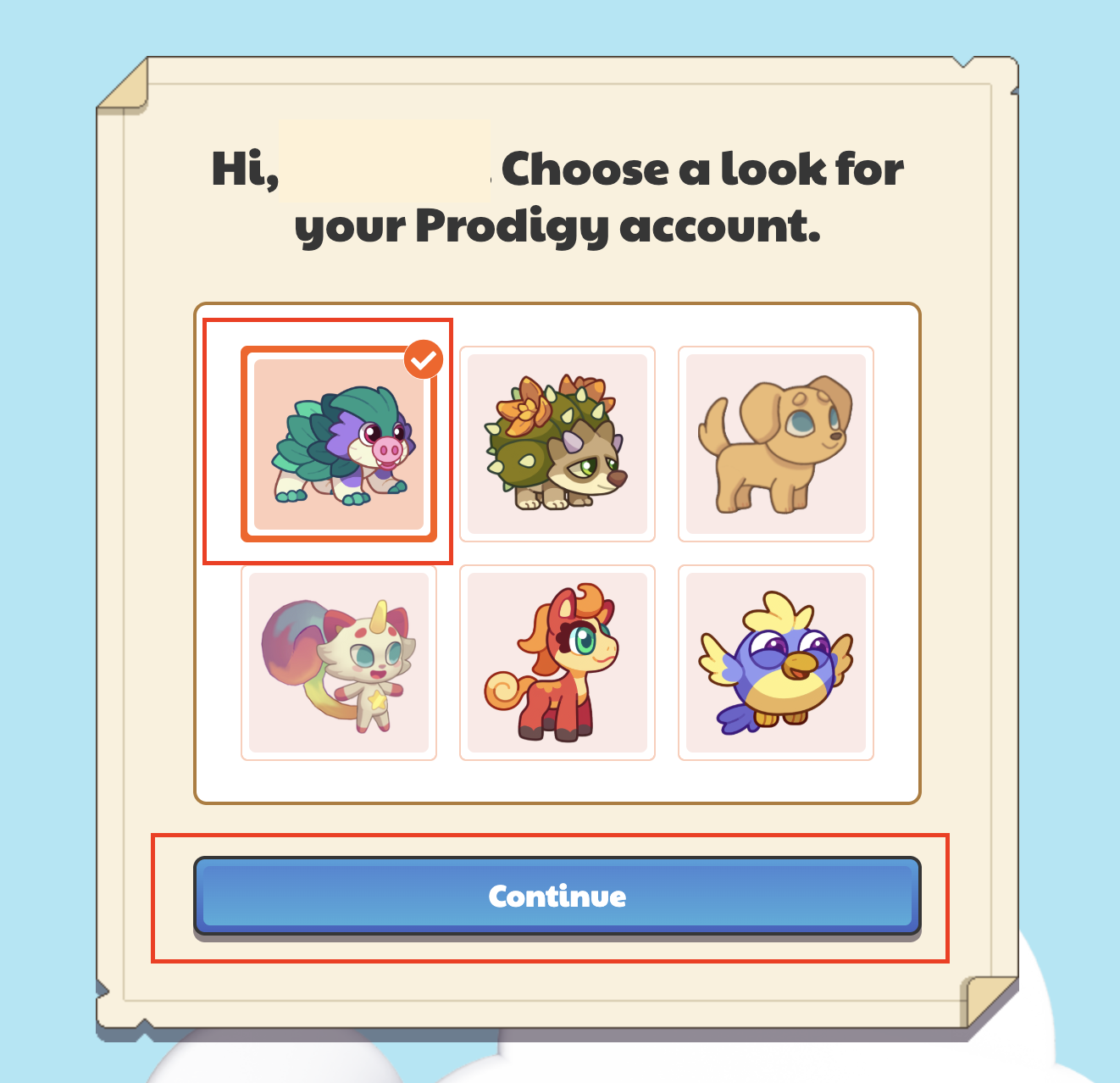
Select a profile avatar you like, then click “Continue.”
Select the subject you want to play (Maths or English), or ask your teacher which one to choose.
Enter the class code given by your teacher and click “Join.”
Was this article helpful?
That’s Great!
Thank you for your feedback
Sorry! We couldn't be helpful
Thank you for your feedback
Feedback sent
We appreciate your effort and will try to fix the article