Adobe Cloud Creative Suite is provided to the school for staff and students by the DET.
1. Login to the Adobe Creative Cloud Suite with your @education.vic.gov.au credentials
NOT your Hwoodsc.net account
Use this Link: Login to Adobe Creative Cloud
2. Username: {Your @education.vic.gov.au email address}
Password: {Your @educaiton.vic.gov.au Password}
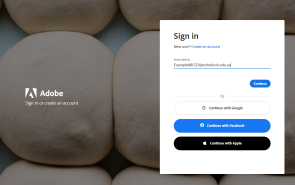
3. Once Logged in download the Creative Cloud application before downloading Adobe products.
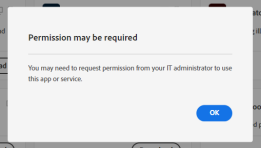
4. You may get a message saying that “permission may be required” and click OK
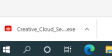
5. Click on the .exe once downloaded and follow the instructions to install Creative Cloud.
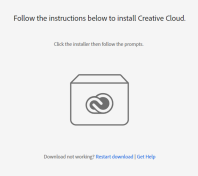
6. Follow the instructions for installing
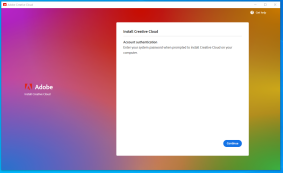
7. Once installed you will get a welcome message, Then select the Adobe product you wish to install (eg. Photoshop, illustrator etc.)
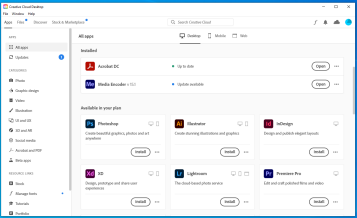
8. You have successfully installed Adobe Creative Cloud to access the Adobe products.
9. If you have any issues or do not know your Edupass credentials please visit IT office in Admin Building.
Was this article helpful?
That’s Great!
Thank you for your feedback
Sorry! We couldn't be helpful
Thank you for your feedback
Feedback sent
We appreciate your effort and will try to fix the article